
What is a WMS?
The software that manages inventory, locations and orders in a warehouse. This page explains what a WMS does, how it talks to an automated line and what to check when choosing one.
In short
- Receiving: Incoming goods are counted, scanned and booked into inventory.
- Putaway: The WMS assigns a storage location. An operator or automated system moves the goods there.
- Orders and batching: Orders are released for picking one by one or in batches. Priority and carrier cutoff are set.
- Picking: The pick list goes to an operator or to the automated line.
- Packing and measuring: The carton is closed, its size and weight measured and matched to the order.
- Sortation and shipping: The carton is sorted by carrier, route or dock, and the shipment is closed.
Definition
A WMS (warehouse management system) is software that manages inventory and orders in a warehouse. It knows where every item is and how many there are. It decides when each order is picked and shipped. It records every movement from receiving to shipping and creates tasks. In an automated warehouse, the WMS does not execute these tasks on the equipment. The warehouse control system (WCS) below it runs conveyors, sorters and measuring equipment.
Other names: warehouse management software, WMS software.
What does a WMS manage?
The core objects of a WMS are inventory, locations and orders. Each item is linked to a rack, zone or tote location. Each movement creates a transaction: receiving, putaway, transfer, picking, shipping. These records manage count discrepancies, expiry dates and lot tracking.
On the order side, the WMS decides which order is picked first. Carrier cutoff, customer priority and route are the inputs to this decision. Orders become individual pick lists. If several orders are picked together, a combined batch list is created.
Typical flow: 6 steps
- Receiving: Incoming goods are counted, scanned and booked into inventory. (Conveyor Systems)
- Putaway: The WMS assigns a storage location. An operator or automated system moves the goods there. (Conveyor Systems)
- Orders and batching: Orders are released for picking one by one or in batches. Priority and carrier cutoff are set.
- Picking: The pick list goes to an operator or to the automated line. (Conveyor Systems)
- Packing and measuring: The carton is closed. Its size and weight are measured and matched to the order. (DWS Systems)
- Sortation and shipping: The carton is sorted by carrier, route or dock. The shipment is closed. (Sortation Systems)
WMS, ERP and WCS: who does what?
| Layer | Question it answers | Example tasks |
|---|---|---|
| ERP | What was sold, what to buy, what to invoice? | Sales orders, purchasing, accounting |
| WMS | Where is each item, when does each order ship? | Location management, pick lists, shipping |
| WCS | Which conveyor and chute does this carton take right now? | Conveyor routing, sorter chute assignment, measurement data |
The ERP holds the company's commercial records. It does not know the physical movements inside the warehouse. The WMS manages those movements, but it does not control equipment at millisecond level. That job belongs to the WCS and PLC layer. In a manual warehouse, a WMS alone may be enough. Once conveyors and sorters come in, a control layer is needed between the WMS and the equipment.
When does the WMS come up in an automation project?
- If the existing WMS stays: The automated line must receive orders and destinations from the existing WMS. It must also report results back. Define message contents and timing in writing before ordering equipment.
- If there is no WMS, or it falls short: Inventory and orders may run on spreadsheets, ERP screens or paper lists. Then automation has no data to rely on. The software scope is defined at the start of the project.
- If business rules will change: A new sorter brings new sort rules per chute: by carrier, route or store. Decide early whether these rules live in the WMS or in the WCS.
Exon's role
Exon develops the PLC and WCS software for its sorter and conveyor lines in-house. The line works integrated with the customer's existing WMS. When the project requires it, Exon also develops project-specific WMS software. Exon does not sell an off-the-shelf WMS package. It builds the software scope around the site's flow.
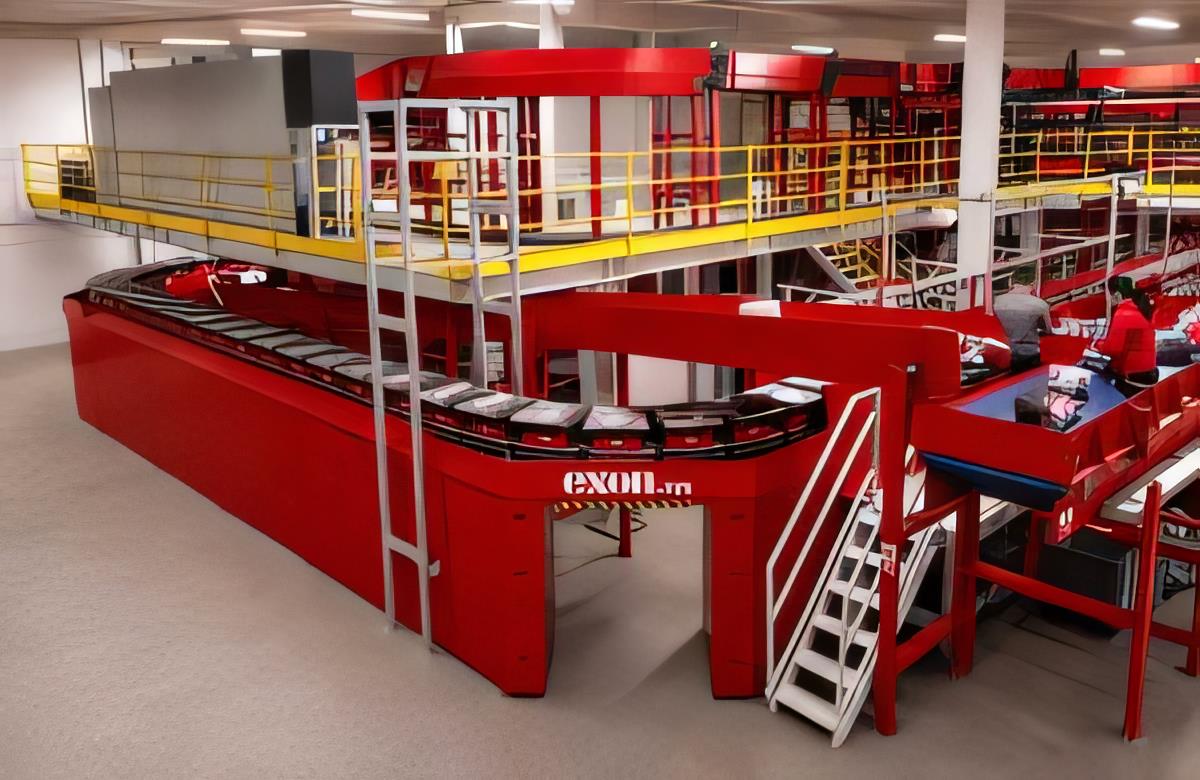
- Sortation SystemsSorting orders by carrier, route or storeView →
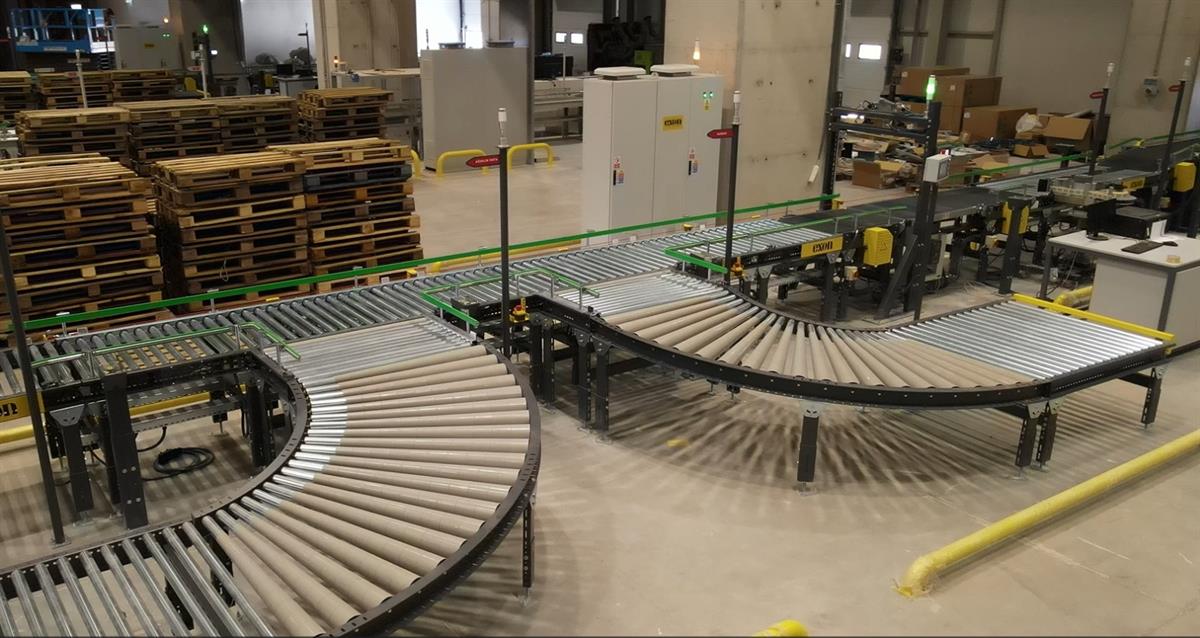
- Conveyor SystemsTransport between receiving, picking and packing areasView →
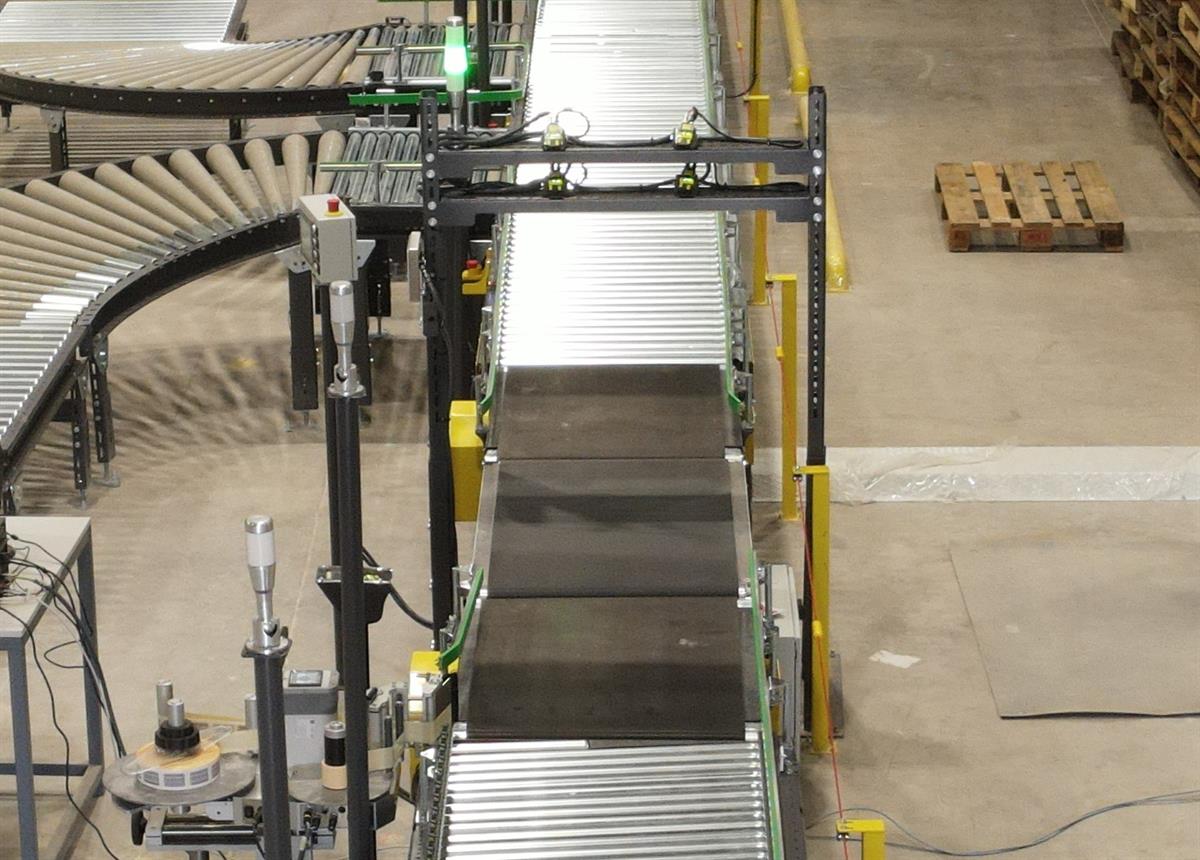
- DWS SystemsSending size, weight and barcode data to the WMSView →
Checklist for WMS selection and integration
- Location structure: Are rack, zone and tote locations defined in the WMS? At which location level will the automated line work?
- Order profile: What is the share of single-line and multi-line orders? Will orders be picked one by one or in batches?
- Cutoff times: Are cutoff times stored per carrier and route in the WMS? How will they map to sorter chutes?
- Message contract: What goes from the WMS to the line: order, destination, priority? What comes back: scanned, measured, sorted, error?
- Exceptions: Where does a carton go if the barcode is a no-read? What if the measurement differs from the declaration, or the WMS does not respond?
- Test environment: Will the integration be tested before going to site? Is a WMS test environment ready?
- Responsibility boundary: Who owns each side of the interface? Does the contract define how change requests are handled?
Common mistakes
- Discussing integration after the equipment. Mechanical installation is finished and the line runs. But if the WMS sends no valid destination, cartons go to the reject chute. Fix message formats during design.
- Expecting the WMS to control equipment. A WMS is not designed to calculate conveyor speeds and divert timing in seconds. Leave that to the control layer.
- Automating before cleaning master data. Wrong item dimensions, missing barcodes or duplicate locations cause trouble. On an automated line they become errors that need manual fixing.
- Not defining exception flows. Write rules for no-read, unmatched or canceled orders. Define which chute they go to and how the WMS is notified. Otherwise these cartons pile up in manual handling.
Frequently asked questions
What does WMS stand for?
Warehouse management system. It is the software that manages inventory, location and order movements in a warehouse.
What is the difference between an ERP and a WMS?
An ERP manages company-wide commercial processes: sales, purchasing and accounting. A WMS manages physical movements inside the warehouse. It knows which location holds an item and how an order is picked and shipped. Most warehouses run both together.
What does a WMS do in logistics?
It keeps inventory accurate and creates pick lists. It schedules shipping around carrier cutoff times. In an automated warehouse it tells the conveyor and sorter line where each carton goes.
Do I need to replace my WMS to automate?
Usually not. If the existing WMS can exchange data with the line, integration is enough. If the WMS cannot provide that data, or there is none, software scope is added to the project.
Related terms
Last updated: