
What is warehouse automation?
Using equipment and software for conveying, storage, picking, measuring and sorting in a warehouse. This page covers the levels of automation and the decision criteria.
In short
- Two layers: physical equipment and software. Equipment means conveyors, sorters, telescopic conveyors, AS/RS, shuttles and robots. In software, the warehouse management system (WMS) manages stock and orders. The warehouse control system (WCS) controls equipment movement in real time. Software alone digitizes the warehouse. Goods are still moved by hand.
- Not all or nothing: You can start with the section that causes the most walking, carrying and errors.
- Data drives the decision: peak-hour volume, item and carton data, order profile, building and labor cost.
Definition
Warehouse automation means doing warehouse work with equipment and software. That work is conveying, storage, picking, measuring, sorting and loading. Conveyors, sorters, automated storage systems and robots are used. Software controls them. The goal is to handle more volume with fewer errors in the same space and with the same team. Peak season is covered without depending on headcount.
Other names: warehouse automation systems, automated warehouse, warehouse mechanization, automated material handling.
Levels of automation
| Level | What happens? | Typical equipment | When does it fit? |
|---|---|---|---|
| Mechanization | Conveying and loading are not manual; decisions stay with the operator | Conveyor lines, telescopic conveyors, pallet lift | Walking and carrying take most of the labor time |
| Partial automation | One step is automated; the others stay manual | Sorters, DWS systems, pick-to-light | The bottleneck sits in one step (sorting, measuring, picking) |
| High automation | Storage and picking are automated too; goods come to the operator | AS/RS, shuttles, robotic stations, autonomous vehicles | Space is expensive, volume is high and continuity is critical |
Think of the levels as a ladder. If the layout is planned right from the start, the warehouse can move up a level without replacing the line.
When do you need it?
- When peak season relies on temporary staff: During promotion weeks, new staff struggle to keep accuracy and speed.
- When walking is most of the job: Pickers can spend most of their time walking between racks. Goods-to-person systems bring items to the operator and cut this time sharply.
- When space runs out: Automated storage that uses building height can replace renting extra space. It adds capacity in the same building.
- When errors get expensive: A mis-sorted carton goes to the wrong store or city. Recall and reshipping costs follow.
- When data cannot be verified: Dimensions, weight and barcode data may reach a volume that cannot be handled by hand.
Related Exon systems
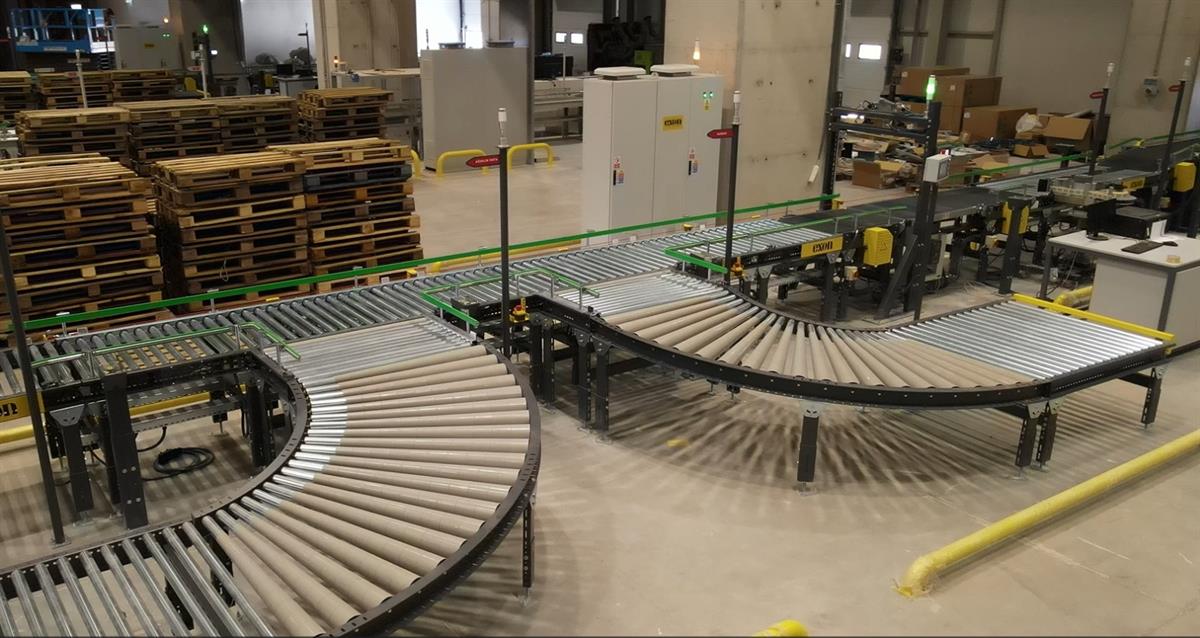
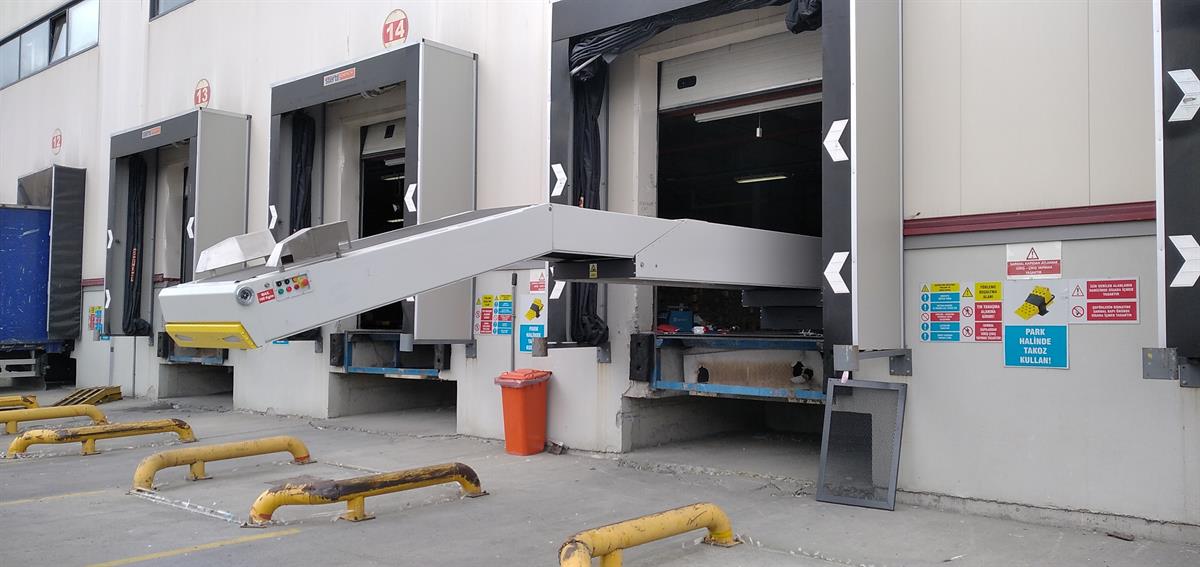
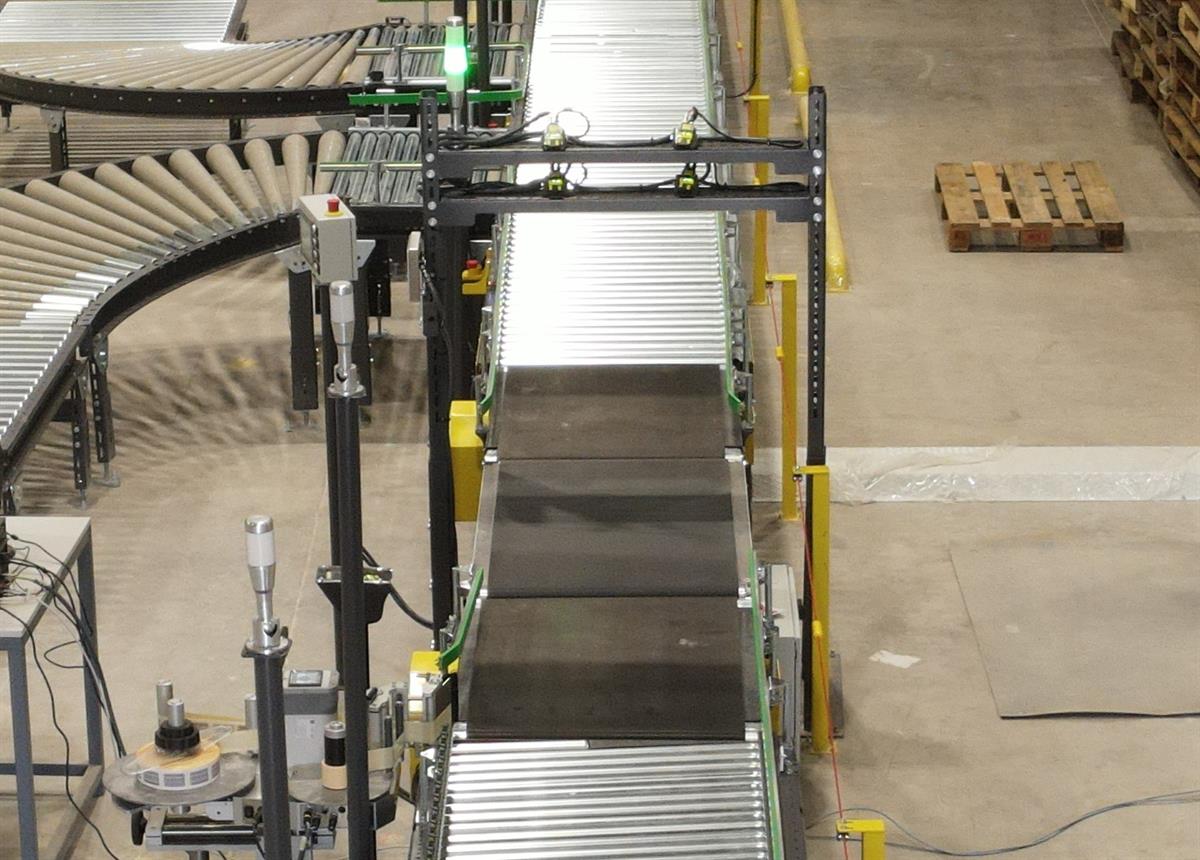
- Conveyor Systems and Telescopic Conveyors: conveying, unloading and loading
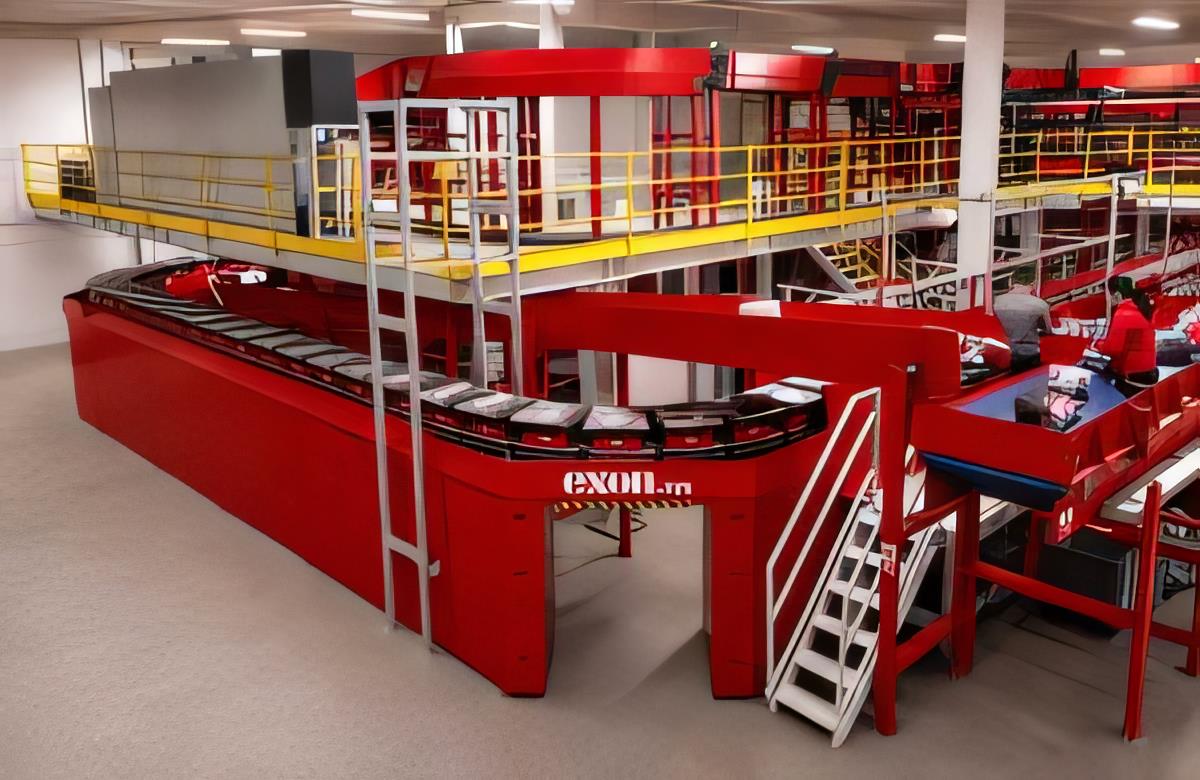
- Sortation Systems: sorting by carrier, route or store
- DWS Systems: dimensions, weight and barcode
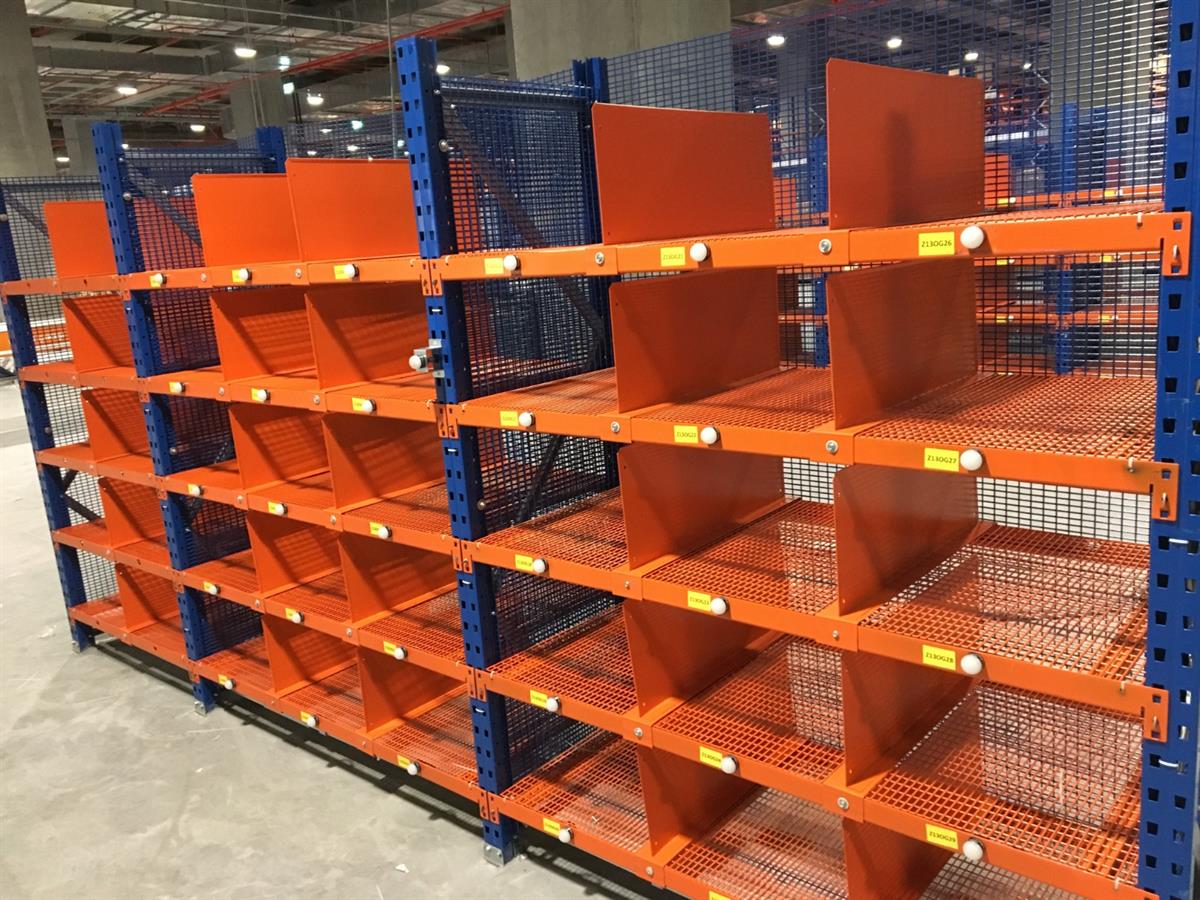
- Pick-to-Light: picking guided by lights at each location
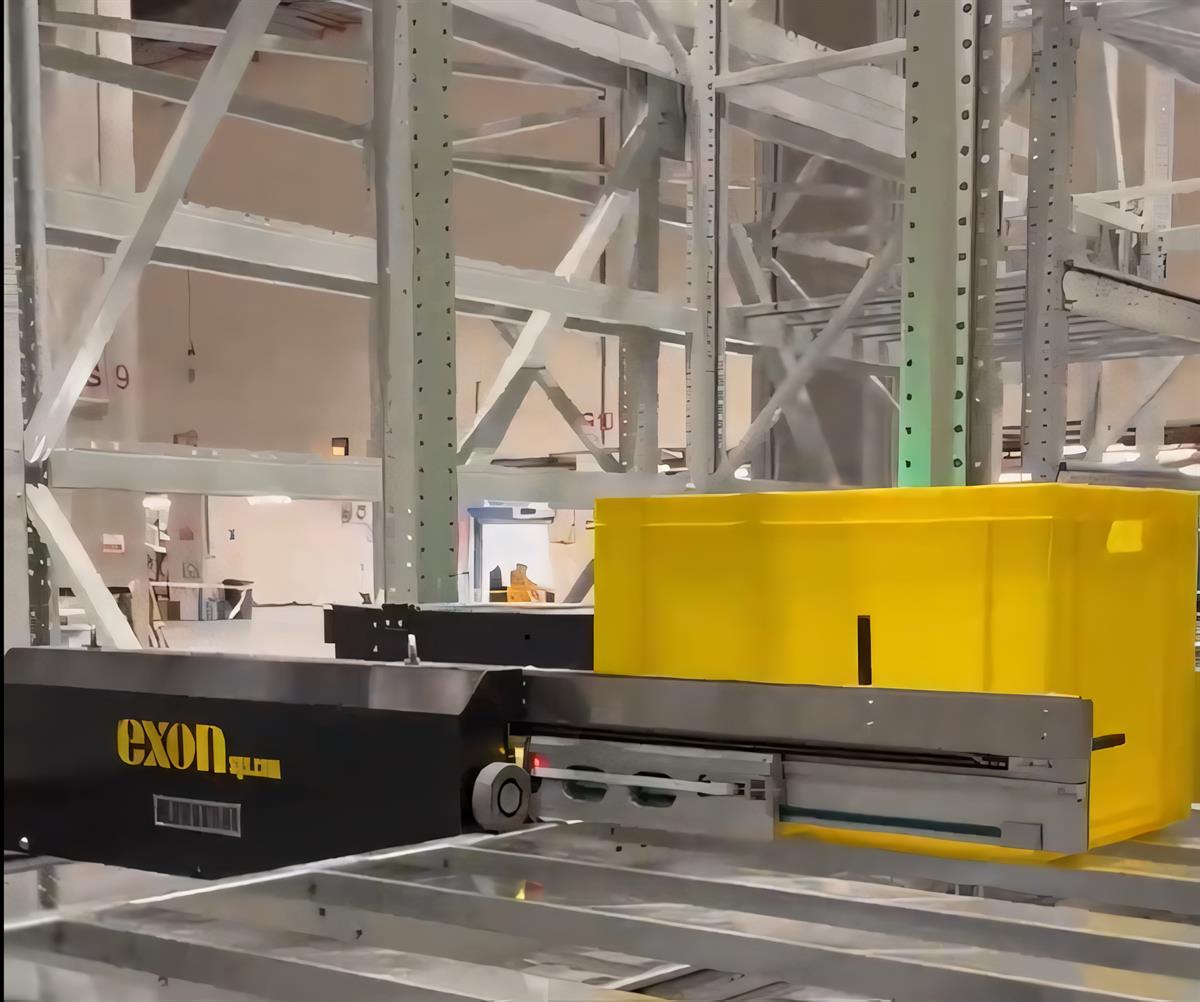
- Shuttle Systems and AS/RS Systems: automated storage (shuttles for totes and cases)
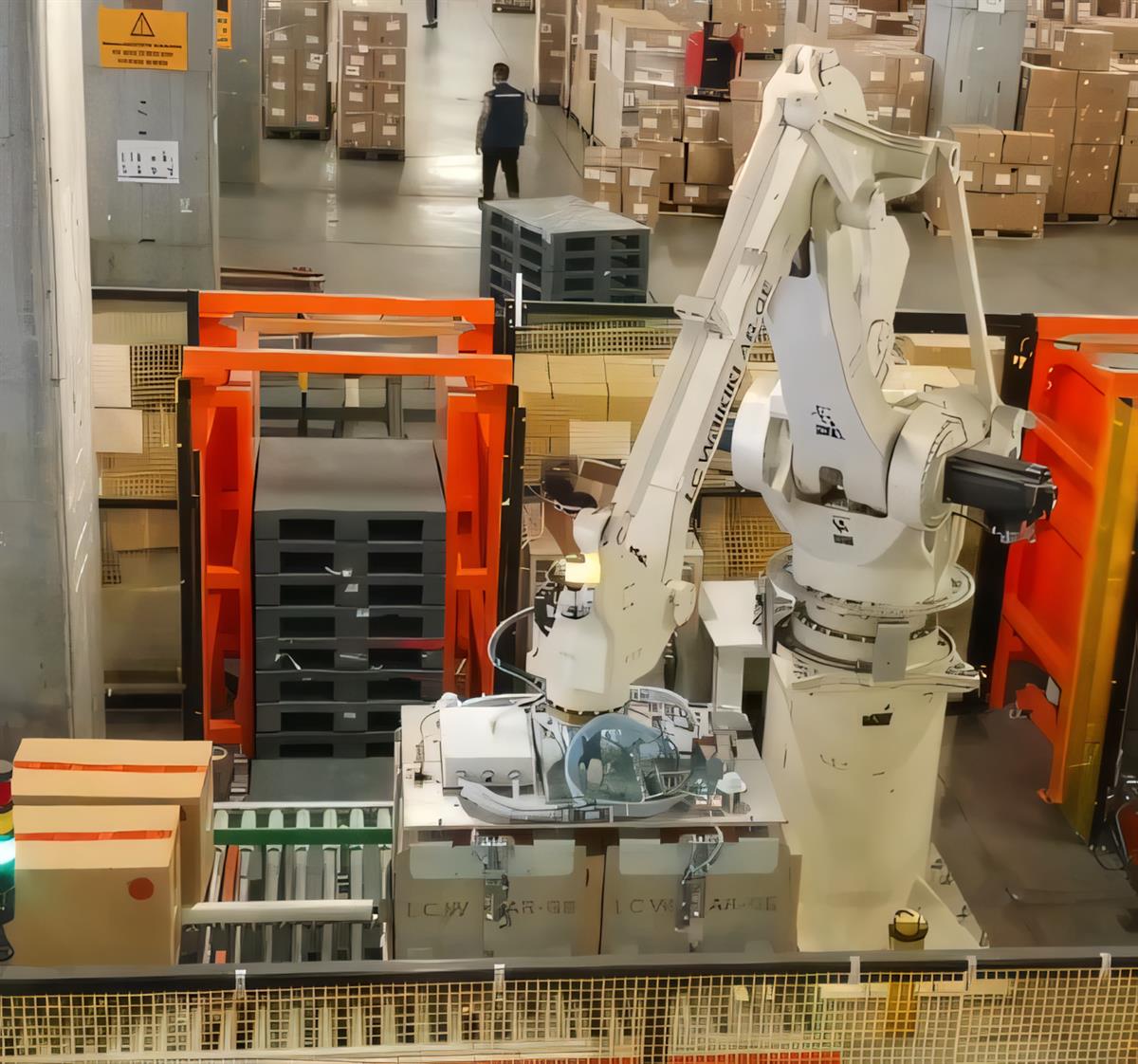
- Robotic Automation: robotic palletizing and stations
Exon handles mechanical design, production, control software and installation in-house. When the project requires it, robots, AGV/AMR and AS/RS are installed and commissioned in the same project.
Where to start? Selection criteria
- Measure where labor and errors come from. Which step uses the most labor hours? Where do errors happen?
- Define the handling unit. Pallet, carton, tote, polybag or single item. If one warehouse has several, each may need its own flow.
- Design for peak hour. A system sized for average volume may fall short in the first promotion.
- Ask about flexibility. The item mix, order profile or customers may change. Can the system be reconfigured then?
- Check building limits early. Clear height, floor load capacity, column grid, fire compartments.
- Define the software interface first. The WMS or ERP shares data with the line's control software. Write down which data goes where, and in what format.
- Plan a phased cutover. In a running warehouse, which section opens first? How does work continue during the transition?
Common mistakes
- Automating a broken process. If labels, barcodes and stock data are messy, automation will not fix the errors. It produces them faster.
- Designing tightly around today's items. A line built only for today's item mix falls short with a new product group.
- No downtime plan. The more automation, the more volume one fault affects. Spare parts, a maintenance team and a manual fallback must be ready.
- Training after handover. Operators and maintenance staff must be trained before commissioning. Otherwise the line reaches its throughput late.
Frequently asked questions
Where is warehouse automation used?
In receiving and unloading, conveying, storage, order picking, packing, DWS measuring, sorting and shipping. Main users include e-commerce warehouses and parcel hubs. Retail distribution centers and third-party logistics (3PL) warehouses also use it.
Is warehouse automation the same as a WMS?
No. A WMS is software that manages stock, locations and orders. Warehouse automation is the equipment that physically moves, stores and sorts goods. The software that controls that equipment is part of the automation. The two work together.
Should you automate in one go or step by step?
In most warehouses, step by step. First automate the section with the most labor and errors. This could be sorting or truck unloading. Draw the layout so that later steps can be added without removing the line. A one-time switch makes more sense in a new building or during a move.
Does warehouse automation remove the need for staff?
No, it changes the type of work. Carrying, walking and manual sorting go down. Induction, station work, quality control and maintenance remain. The need for temporary staff at peak can drop.
Related terms
Related Exon systems
Last updated: