
What is put-to-light (put wall)?
A method where items batch-picked for several orders are put into light-indicated order cubbies. Orders are consolidated in these cubbies. This page explains the flow, when you need it and the criteria to settle before installation.
-
1Batch picking
Items for several orders are picked into totes in one pass.
Pick-to-Light -
2Transport to the wall
Totes reach the put wall by conveyor or from a sorter chute.
Conveyor Systems Sortation Systems -
3Scan
The operator scans the item. The software finds the order it belongs to.
Pick-to-Light -
4Light-directed put
The target cubby lights up and shows the quantity. The operator puts the item and confirms with a button.
Pick-to-Light -
5Order complete
When the order is complete, a light on the packing side turns on.
Pick-to-Light -
6Packing and shipping
The packer empties the cubby and the carton ships. The cubby is assigned to a new order.
Conveyor Systems
Process flow. Yellow tags show the Exon system used in that step.
Definition
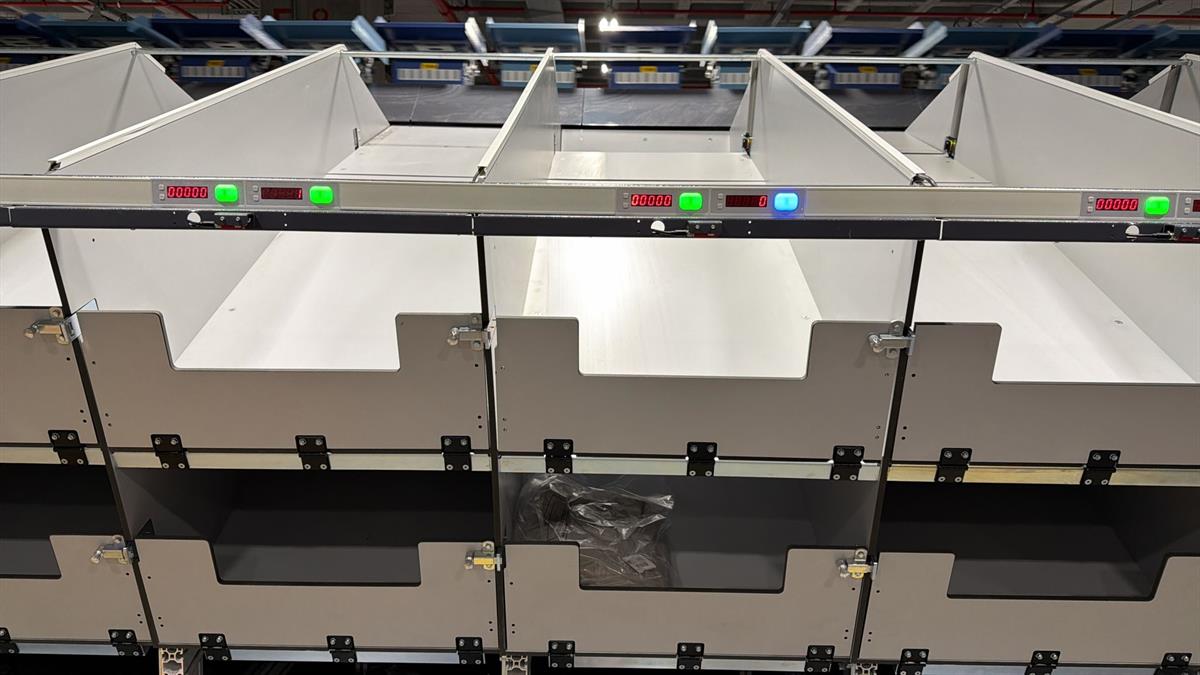
Put-to-light is a sortation method that distributes batch-picked items into order cubbies. Each cubby is indicated by a light and a numeric display. A rack made of these cubbies is called a put wall. The operator scans the item, puts it into the lit cubby and confirms. When the order is complete, a light on the back of the wall alerts the packing staff.
Other names: put wall, put-to-light wall, put-by-light, light-directed putting, order consolidation wall.
It is the reverse of pick-to-light. In pick-to-light, the light shows where to pick an item. In put-to-light, it shows where to put it. Both run on the same software and hardware family. E-commerce warehouses can use both together.
Flow: 6 steps
- Batch picking: Items for several orders are picked into totes in one pass. The picker does not walk to the shelf separately for each order. (Pick-to-Light)
- Transport to the wall: Totes reach the put wall by conveyor or from a sorter chute. (Conveyor Systems, Sortation Systems)
- Scan: The operator scans the item's barcode. The software finds which order the item belongs to and which cubby that order uses.
- Light-directed put: The target cubby lights up and the display shows the quantity. The operator puts the item and confirms with the cubby button. This confirmation catches puts into the wrong cubby.
- Order complete: When the last item of the order is put, a light on the packing side turns on.
- Packing and shipping: The packer empties the cubby, closes the carton and sends it to shipping. The empty cubby can be assigned to a new order right away. There is no need to wait for the whole batch.
When do you need it?
- Most orders have multiple lines: A single-line order can go straight to packing. In multi-line orders, items arrive from different zones at different times. They must be consolidated in one place.
- You have moved to batch picking: Batch picking cuts walking distance but brings items mixed together. The put wall splits the mixed tote into orders. Splitting from a paper list is slow and error-prone.
- Orders are consolidated after a sorter: The sorter splits items by zone. As the last step, the put wall distributes items into individual orders.
- Returns volume has grown: Returned items can go into separate cubbies on the wall. These cubbies separate items going back to stock, to stores or to rework.
- You distribute to stores: In a retail distribution center, cubbies represent stores instead of orders. Lights guide the same item into the cubbies of several stores.
Which systems are used?
- Pick-to-LightPick-to-light and put-to-light light modules and softwareView →
- Sortation SystemsPresorting items by zone before the put wallView →
- Conveyor SystemsMoving totes to the wall and cartons to packingView →
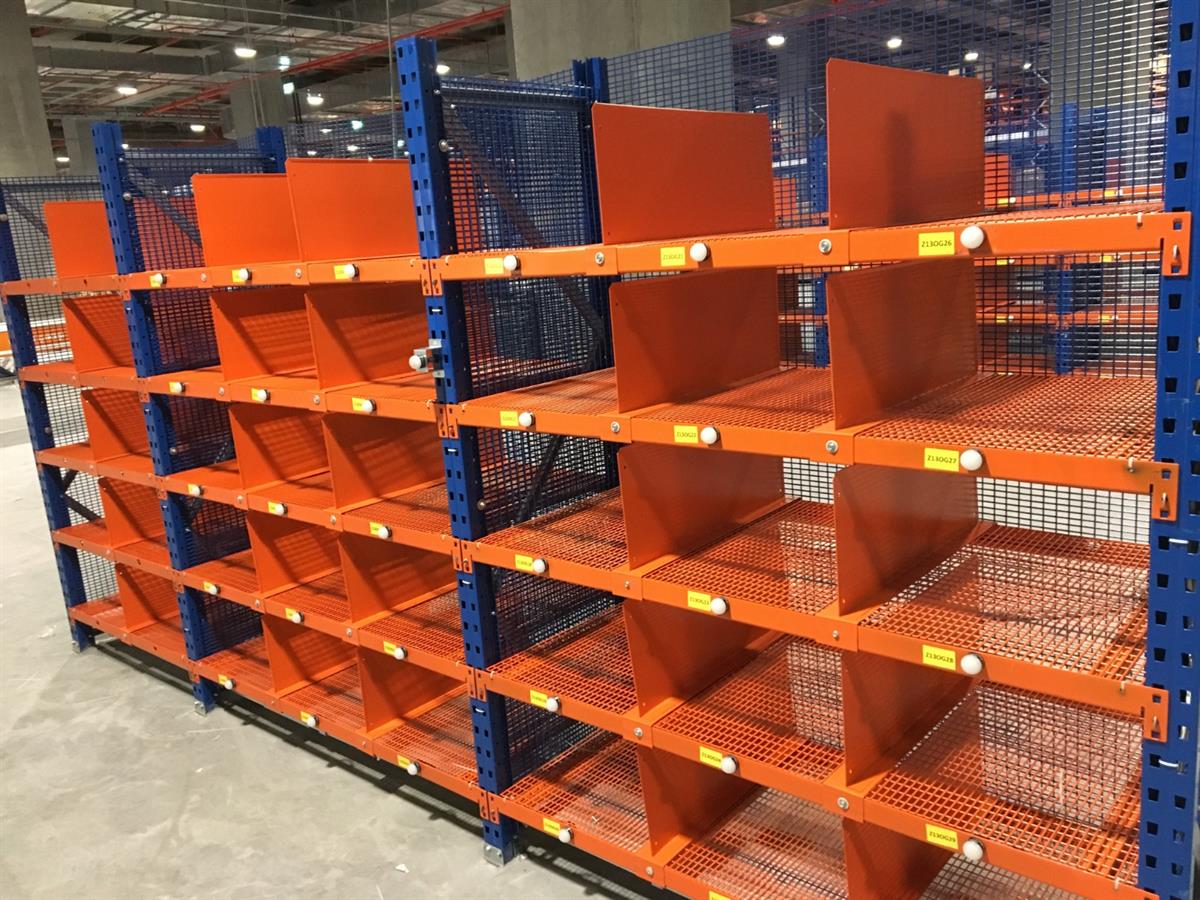
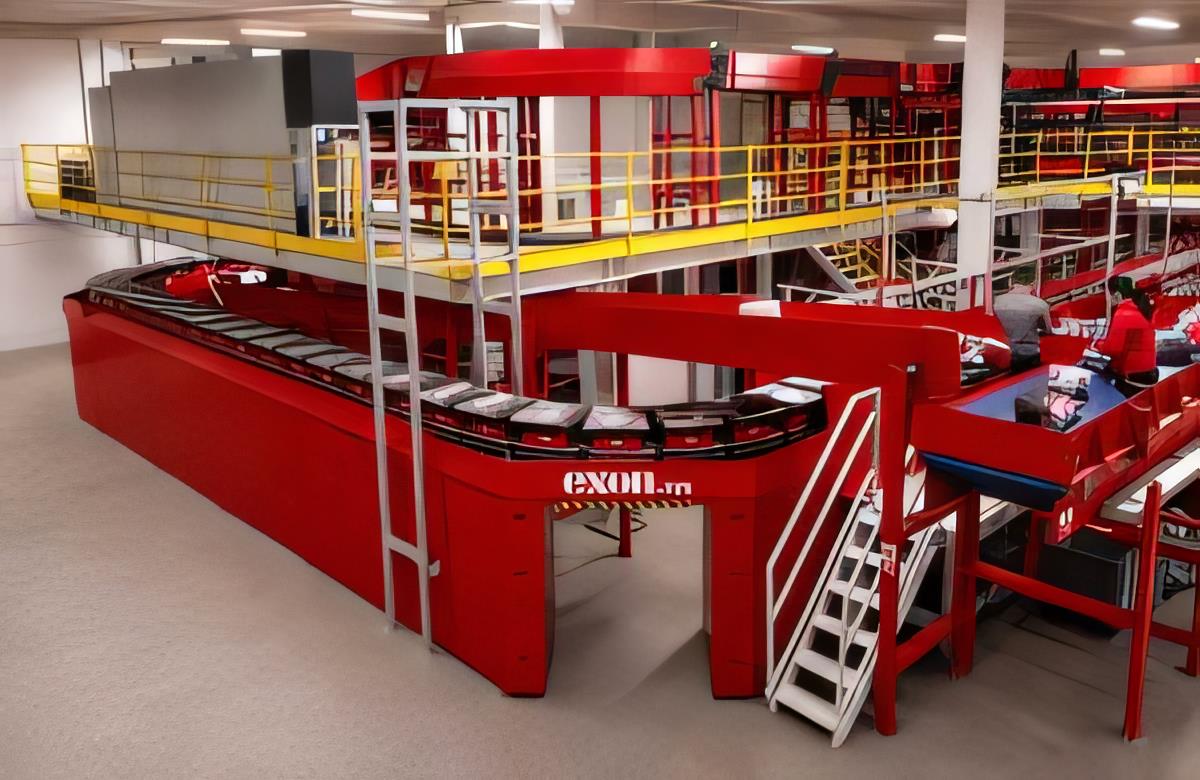
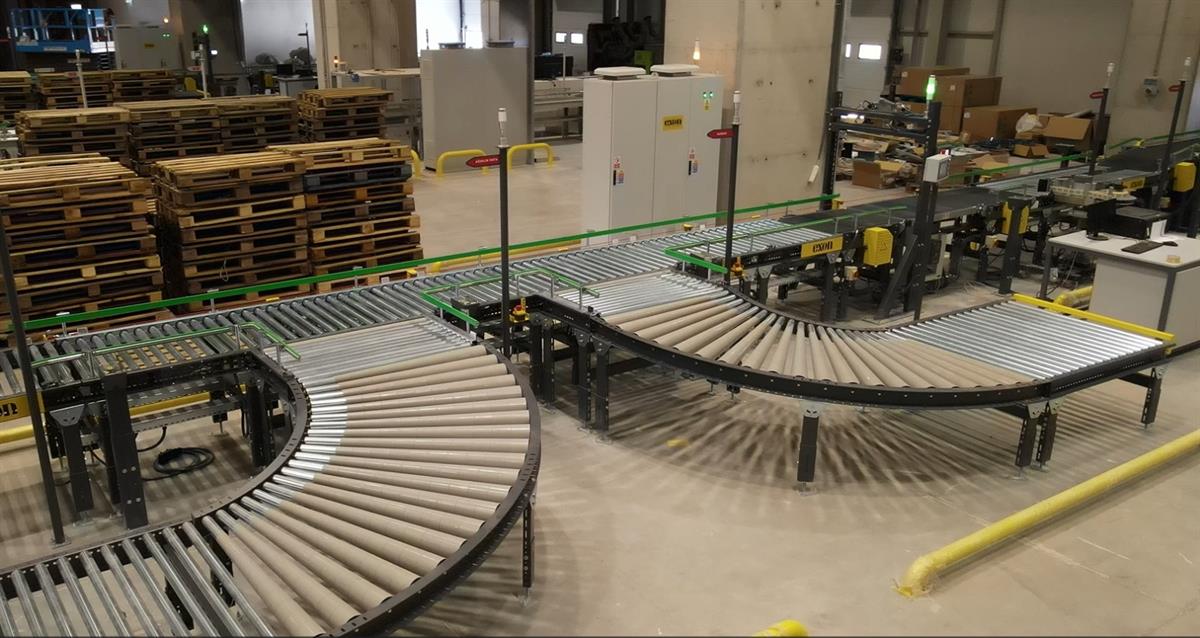
Exon develops its pick-to-light software in-house. The software connects to the existing order system, conveyor and sorter line.
Exon's pick-to-light references include LC Waikiki, Saldos and Türk Traktör. → References
6 criteria to settle before installing a put wall
- Number and size of cubbies: The number of orders open at the same time sets the cubby count. Size cubbies for most orders, not the largest order. Plan a separate solution for large orders.
- Single-sided or double-sided? On a double-sided wall, putting happens on one side and packing on the other. Neither task waits for the other. A single-sided wall needs less space, but both teams work on the same face.
- Batch size: The number of orders per batch must fit the cubby count. With a large batch and few cubbies, the operator finds no empty cubby.
- Short-pick rules: If an item is out of stock, how long does the order wait in the cubby? When is it closed as short? Define this rule in the software from the start.
- Software connection: Will order, barcode and cubby matching come from the warehouse management system (WMS)? Or will the pick-to-light software manage it? Define message formats in writing before installation.
- Ergonomics: Do not assign the top and bottom cubbies to frequent orders. Choose the wall height to suit the operator's reach.
Common mistakes
- Sizing the wall apart from picking capacity. If pickers bring totes faster than the wall can handle, totes pile up at the station. In the opposite case, the wall waits for the operator. Calculate both sides together.
- Fixed cubby allocation. Locking cubbies until the batch ends leaves part of the wall idle. If cubbies are reassigned as they empty, the same wall handles more orders.
- Treating packing separately. If the packing side is slow, full cubbies don't empty and putting stops. The bottleneck can also form on the back of the wall.
- Not planning for no-reads. Items with damaged or missing barcodes need an exception cubby and a manual entry step at the station.
Frequently asked questions
What is the difference between put-to-light and pick-to-light?
In pick-to-light, lights on storage locations show the operator where to pick an item. In put-to-light, lights on order cubbies show where to put it. The first is a picking step; the second is a sortation and consolidation step.
What is a put wall?
It is the rack where put-to-light is used. Each cubby represents an order or a store. It is often double-sided: items are put in from one side and completed orders are taken out from the other.
Can a put wall be installed in an existing warehouse?
Usually, yes. Light modules mount on the rack cubbies, and the software connects to existing order data. The main planning task is the station location. How totes reach the station and how the packing side flows are planned upfront.
Put wall or sorter?
It depends on daily order volume and item mix. On a put wall, the final sort is done by hand. It needs no extra mechanical sortation line. As volume grows, a sorter does the presort and the wall stays for final consolidation. High-volume facilities often use both.
Related terms
Last updated: